Budgeting Apps Every Parent Should Know About
Aug. 20, 2025, 6:39 a.m.
Overview
Parenthood brings joy, challenges, and a whirlwind of expenses. From diapers to daycare, costs add up fast. Budgeting apps can help parents stay on top of their finances, making it easier to plan for both daily needs and long-term goals. This guide dives into the best budgeting apps every parent should know about, offering practical tools and tips to navigate the financial side of raising a family.
Why Budgeting Apps Are a Game-Changer for Parents
Raising a child is expensive. According to the USDA, the average cost to raise a child to age 17 is nearly $250,000 for middle-income families. For new parents, these numbers can feel overwhelming, especially when juggling medical bills, baby gear, and unexpected expenses. Budgeting apps simplify this by tracking spending, setting savings goals, and offering insights into where your money goes. They’re like a financial co-pilot, helping you stay organized without needing a finance degree.
When I became a parent, I was shocked at how quickly small expenses—like formula or onesies—added up. My partner and I used a budgeting app to categorize our spending and set limits. It wasn’t about cutting out every little joy (like that occasional coffee run) but about seeing the big picture. Apps made it easier to plan for daycare while still saving for our future.

Top Budgeting Apps for Parents
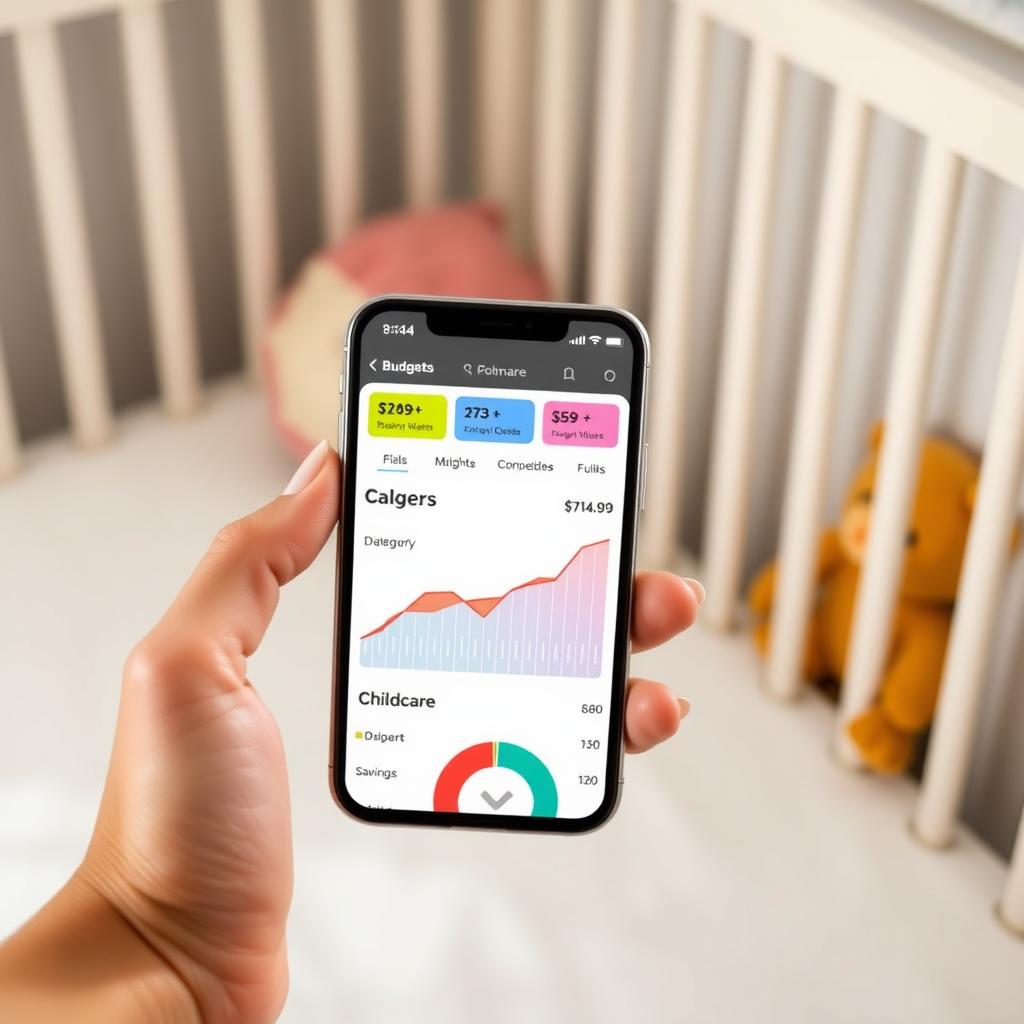
Here’s a roundup of the best budgeting apps tailored for parents, each with unique features to help manage family finances. These apps are user-friendly, mobile-optimized, and designed to fit into a busy parent’s life.
1. YNAB (You Need A Budget)
YNAB is a favorite for its proactive approach. It encourages you to assign every dollar a job, from diapers to savings. The app syncs with bank accounts, tracks spending in real-time, and offers goal-setting tools. For parents, YNAB’s strength is its flexibility—you can adjust budgets as expenses shift, like when daycare costs replace formula. It costs $14.99/month or $99/year, but many users say it pays for itself by curbing overspending.
Why Parents Love It: YNAB’s reports help visualize spending trends, making it easier to plan for big expenses like nursery furniture or college savings.
2. Mint
Mint is free and intuitive, perfect for parents new to budgeting. It automatically categorizes transactions (groceries, childcare, etc.) and sends alerts for overspending. You can set up budgets for baby essentials and track long-term goals, like saving for a 529 college plan. Mint also offers bill reminders, crucial when you’re sleep-deprived and forgetful.
Why Parents Love It: Its free price tag and simple interface make it accessible for first-time parents learning the ropes of budgeting basics for new parents: a step-by-step guide.
3. PocketGuard
PocketGuard focuses on preventing overspending by showing you what’s “safe to spend” after bills and savings. It’s great for parents who want a quick snapshot of their finances without diving into details. The app links to your accounts and flags recurring expenses, like diaper subscriptions, to keep you on track.
Why Parents Love It: The “In My Pocket” feature is a lifesaver for managing daily expenses while saving for unexpected costs, like pediatrician visits.
4. Goodbudget
Goodbudget uses a digital envelope system, where you allocate money to categories like childcare or groceries. It’s ideal for couples who want to budget together, as it syncs across devices. The free version offers 10 envelopes, while the paid version ($8/month) provides unlimited envelopes and more features.
Why Parents Love It: It encourages teamwork, helping parents align on financial priorities, from baby gear to emergency funds.
How to Use Budgeting Apps Effectively
Choosing an app is just the start. Here’s how to make the most of these tools as a parent:
- Set Clear Goals: Decide what you’re saving for—maybe an emergency fund or fertility preservation costs if you’re planning more kids. Apps like YNAB let you create specific savings goals.
- Track Baby Expenses: Create categories for diapers, formula, and childcare. Mint’s auto-categorization makes this easy.
- Review Weekly: Spend 10 minutes each week checking your budget. This helps catch overspending early, especially on recurring costs like daycare.
- Involve Your Partner: Apps like Goodbudget let both parents track and adjust budgets, fostering teamwork.
- Automate Savings: Set up auto-transfers to a savings account for big expenses, like delivery costs or a 529 plan.
Budgeting for Unexpected Costs
Parenthood is unpredictable. A sudden illness or broken car seat can derail your budget. Apps like PocketGuard help by prioritizing an emergency fund. Aim to save 3-6 months of expenses, as recommended by Charles Schwab. Start small—$500 can cover minor surprises. For bigger expenses, like financial assistance for fertility preservation, check if your employer offers benefits or explore programs like those outlined by the American Society for Reproductive Medicine.
When our daughter had an unexpected ear infection, our emergency fund saved us from dipping into savings meant for her preschool. Budgeting apps helped us rebuild that fund by cutting back on non-essentials, like dining out, for a few weeks. It was a small sacrifice for peace of mind.
Planning for Long-Term Goals
Beyond daily expenses, apps can help with how to prepare for parenthood: a financial guide. Consider these long-term strategies:
| Goal | App Feature | Example |
|---|---|---|
| College Savings | Goal Tracking | YNAB’s savings goals for a 529 plan |
| Retirement | Budget Allocation | Mint’s tools to balance baby costs with 401(k) contributions |
| Emergency Fund | Automated Savings | PocketGuard’s savings automation |
Start small. Even $50/month in a high-yield savings account adds up. For fertility preservation costs, which can range from $5,000-$15,000 per cycle according to Johns Hopkins Medicine, apps can help you save systematically.
Tips to Save Money as a Parent
Budgeting apps work best when paired with smart habits: - Buy Secondhand: Shop thrift stores or online marketplaces for baby clothes and gear. Babies outgrow things fast! - Use Coupons: Apps like Mint can track deals on baby essentials. - Bulk Buy: Stock up on diapers and wipes to save in the long run. - Check Benefits: Look into government programs like the Child Tax Credit or employer benefits for childcare.
These small steps stretch your budget further, leaving room for fun family moments, like a trip to the zoo.
Summary
Parenthood doesn’t have to break the bank. Budgeting apps like YNAB, Mint, PocketGuard, and Goodbudget offer practical ways to manage expenses, save for emergencies, and plan for the future. By setting clear goals, tracking spending, and making small adjustments, parents can focus on what matters most—building a happy, secure life for their family.